

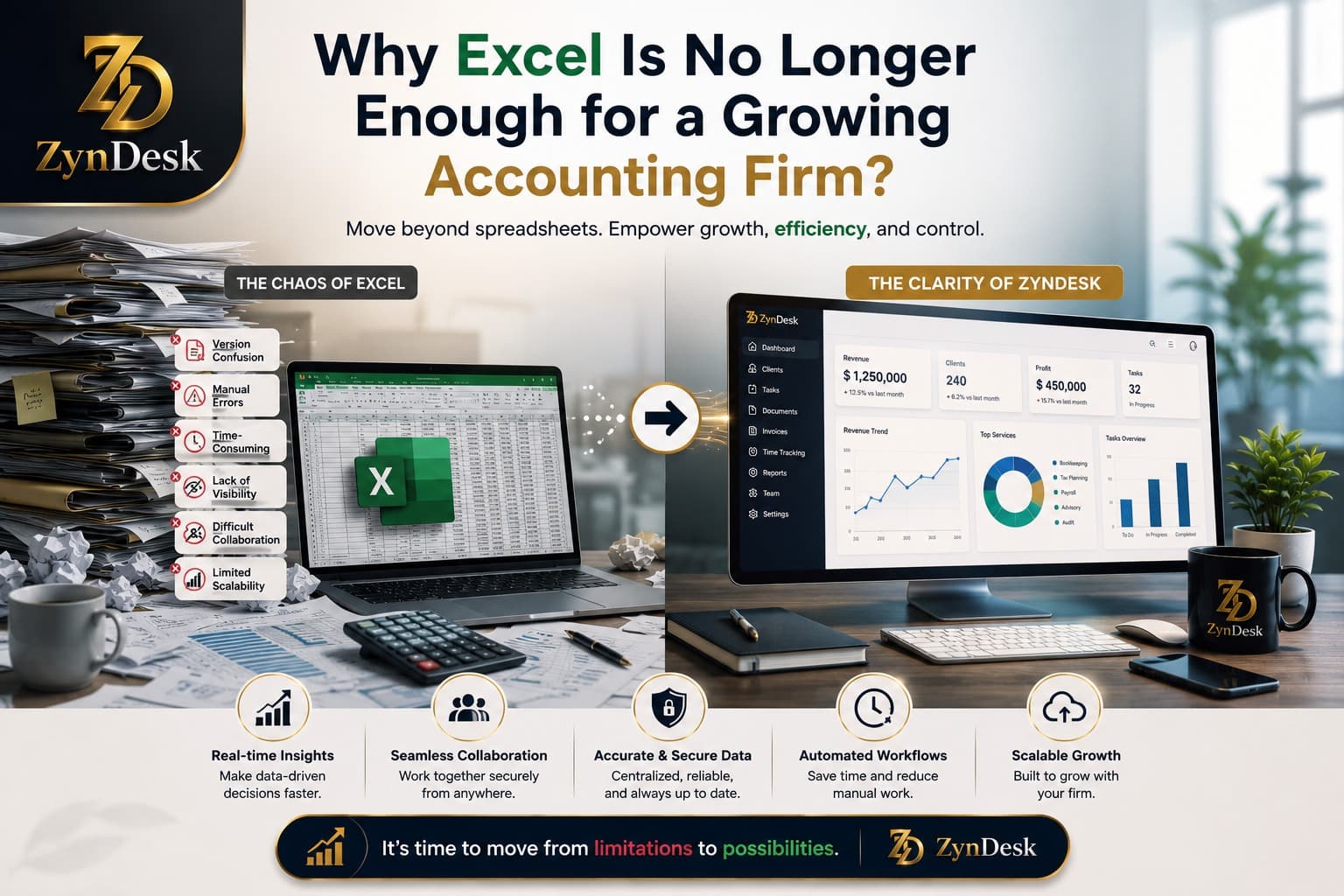
Why Is Excel No Longer Enough to Manage a Growing Accounting Firm?
Why Is Excel No Longer Enough to Manage a Growing Accounting Firm?
If an accounting firm has a limited number of clients and employees, Excel can be a very practical solution for tracking clients, preparing schedules, monitoring deadlines, building reports, and even tracking invoices and collections.
But the problem begins when the firm grows.
You now have dozens or hundreds of clients, multiple employees, recurring services, tax deadlines, documents, tasks, communications, invoices, collections, and approvals.
At this point, the problem is not that Excel cannot perform the task.
The problem is that Excel was not designed to be the complete operating system for a multi-user, multi-process accounting firm.
That is why modern accounting practice management solutions are moving toward bringing client management, workflows, documents, billing, task tracking, reporting, and collaboration together in an interconnected operating environment.
The right question is not:
Should I get rid of Excel?
It is:
Is Excel still the right place to manage the firm’s operations?
Executive Summary
If Excel is used within your firm for financial analysis, modeling, or preparing specific reports, there is no problem with that.
But if it has become the place where you manage:
Clients
Tasks
Deadlines
Responsibilities
Documents
Invoices
Collections
Service status
Employee performance
Management reports
then you are no longer using Excel as an analysis tool.
You are using a spreadsheet as a management system.
This is where a number of operational problems begin:
Repeated data entry.
Difficulty knowing the current status of work.
Dependence on people who know “how the file works.”
Increased risk of formula or data errors.
Difficulty building a standardized Workflow.
Limited real-time visibility for management.
Dependence on multiple files instead of a unified operational record.
Difficulty connecting the client, task, document, and invoice within a single context.
Difficulty scaling without increasing administrative workload.
Limited ability to benefit from automation and AI when data and processes are not organized.
Is Excel Bad for Accounting Firms?
No.
And this is an important point.
Excel remains a powerful tool for financial analysis, modeling, spreadsheet preparation, scenario building, and reporting. Microsoft also provides capabilities for data validation, worksheet protection, collaboration, and version history in supported environments.
Therefore, it is incorrect to say that “Excel has become outdated.”
A more accurate statement is:
Excel is excellent as a tool within a process, but it becomes less suitable when you try to turn it into a platform for managing the entire process.
That is a fundamental difference.
Where Does Excel Start Reaching Its Limits?
1. When Data Turns from a Table into a Network of Relationships
In a small firm, you may have a file containing:
Client
Employee
Service
Deadline
Status
Company A
Ahmed
Tax Return
May 15
Completed
Company B
Mohamed
Bookkeeping
May 20
In Progress
Company C
Sara
Audit
May 25
Awaiting Documents
This looks excellent.
But what happens when you need to know:
All tasks related to the client?
All documents required from them?
The latest communication?
The contract associated with the service?
The invoice?
The outstanding amount?
The responsible employee?
The time spent?
The current stage?
The next deadline?
The other services the client receives?
At this point, you are no longer dealing with a “table.”
You are dealing with interconnected Entities.
This is where a database and an operational system become more suitable than a large Workbook.
2. When You Have More Than One Version of the Truth
One of the most common problems in spreadsheet-based environments is having:
Client_Master.xlsx
Then:
Clients_Final.xlsx
Then:
Clients_Final_Updated.xlsx
Then:
Clients_Final_Updated2.xlsx
Then another copy stored on another employee’s computer.
The problem is not the file name.
The problem is:
Which version represents the truth now?
Excel may provide Version History in supported environments, which is useful, but that does not automatically turn a Workbook into a centralized system for managing organizational operations.
The more important the data becomes, the more important the need for a Single Source of Truth becomes.
3. When Tasks Become More Important Than Rows
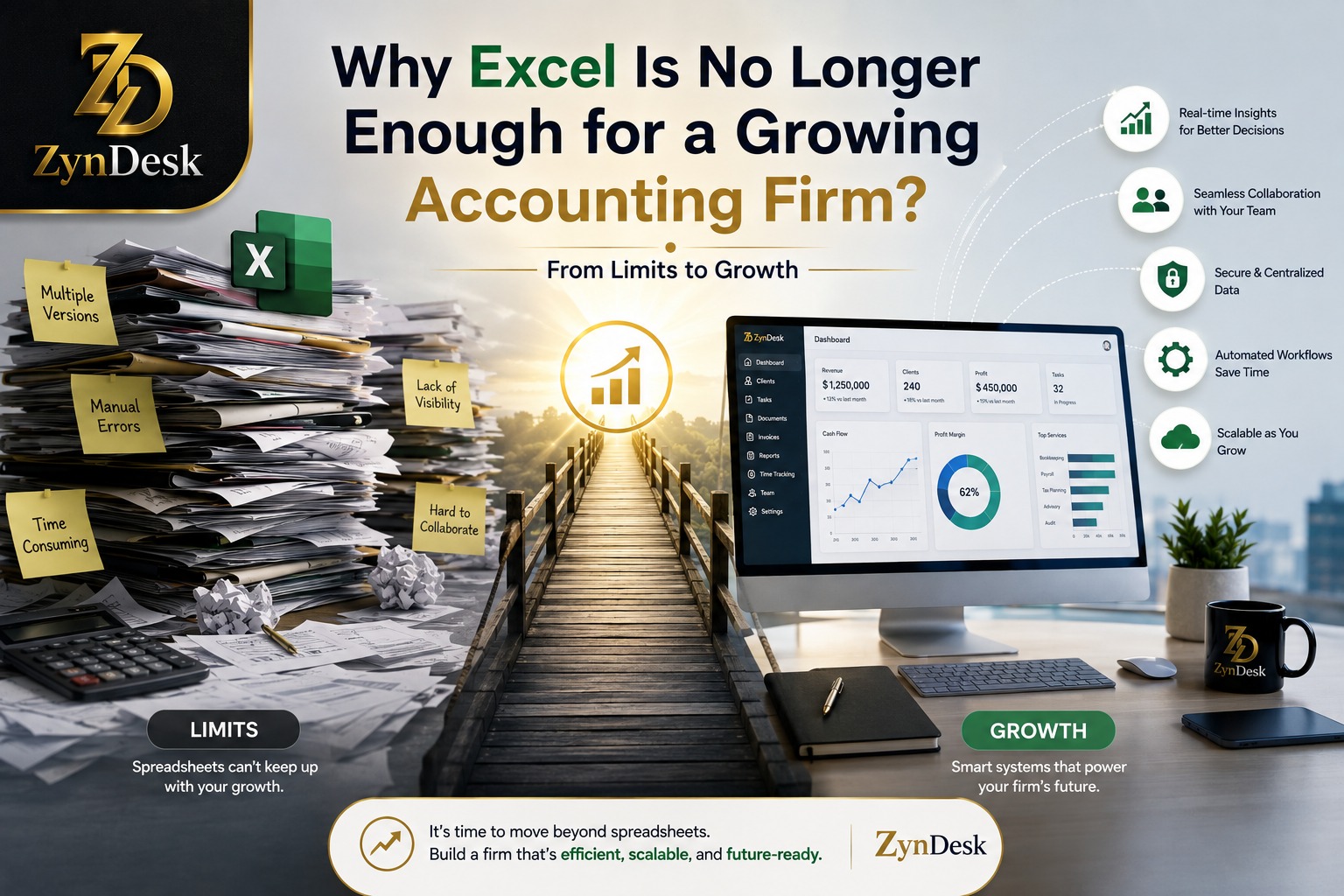
An accounting firm does not manage data only.
It manages work.
For example:
New client enters the firm.
↓
Client file is created.
↓
Services are defined.
↓
Agreement is signed.
↓
Documents are requested.
↓
The firm receives the documents.
↓
The task is assigned.
↓
The employee starts working.
↓
The work is reviewed.
↓
The result is sent to the client.
↓
The invoice is issued.
↓
Collection is followed up.
This is called a Workflow.
Excel can record some of these stages.
But it does not necessarily turn the process itself into a Workflow that can be operated, measured, and automated.
That is why modern Accounting Practice Management solutions focus on workflow automation, task tracking, and operational visibility.
4. When “Who Is Responsible?” Becomes a Daily Question
In a small firm, the manager may know everything.
They know:
Who is working on what?
Who is late?
Who needs help?
Who is waiting for a document?
Which client needs a call?
But as the firm grows, personal knowledge starts to break down.
The manager now has to open multiple files, ask several employees, or review email to get a simple answer:
What is the status of work today?
A good system should make the answer visible from the data, rather than from the manager’s memory.
5. When Email Becomes Part of an Invisible Workflow
This is a problem that may not appear at first.
A client sends a document by email.
An employee reads the message.
They reply.
They place the file in a folder.
Then they record something in Excel.
Then they send a message to another employee.
The second employee opens Excel.
Then asks:
“Did the client send the document?”
And so the work becomes a series of manual processes.
Modern practice management platforms approach this differently by connecting the client with tasks, communications, documents, and processes instead of leaving them scattered across separate tools.
6. When Scaling Means More Administrative Work
This may be the most important point.
Suppose you have:
100 clients
Then you have:
300 clients
Then:
600 clients
The question is not simply:
Can Excel store 600 clients?
Of course it can.
The real question is:
Can you manage the operations associated with 600 clients in the same way you managed 100 clients?
The difference is significant.
Real growth does not mean an increase in the number of rows.
It means an increase in:
Relationships
Tasks
Responsibilities
Documents
Deadlines
Communications
Invoices
Decisions
Exceptions
That is why Scalability in an accounting firm is an operational problem, not a row-count problem.
Excel vs. an Accounting Practice Management System
Area
Excel
Financial analysis
Excellent
Depends on the system
Spreadsheets and modeling
Excellent
Not the primary purpose
Client management
Possible
Designed for it
Task management
Possible manually
Native and interconnected
Workflow
Limited/manual
Core functionality
Reminders
Requires setup
Can be automated
Work allocation
Usually manual
Manageable and measurable
Documents
Files and folders
Linked to the client and work record
Billing
Possible
Part of specialized solutions
Operational Dashboard
Can be built
Usually integrated
Audit trail
Requires design and governance
Usually part of the system
Permissions
Possible but requires management
Designed around users and roles
Automation
VBA/Power Automate and others
Integrated or built-in workflow automation
Management visibility
Requires building reports
Core part of Practice Management
Operational scalability
Requires additional engineering
Primary objective
The current market clearly reflects this idea. Solutions such as Practice CS, CCH, Canopy, and Karbon place workflow, client management, billing, documents, reporting, and team management at the heart of the product.
7. The Biggest Problem Is Not Just a Calculation Error
When talking about Excel, the focus is usually on:
“An employee might enter the wrong formula.”
That is true, but it is not the only risk.
The bigger problem can sometimes be the data process itself.
Research into spreadsheet risks points to issues such as:
Errors
Ambiguity
Data duplication
Data loss
Fraud
Governance challenges
It also emphasizes the importance of documentation, centralization, and controls when spreadsheets are used in sensitive processes.
Recent research also treats Excel as a very powerful analytical environment, but this increases the need for a clear framework for managing spreadsheet risks when spreadsheets become an essential part of an organization’s operations.
So:
Excel is not the risk.
Uncontrolled Excel is the risk.
8. Accurate Data Is Not Enough If Context Is Missing
Imagine you have:
Client: ABC Company
Balance: 50,000
Status: Overdue
Is that enough?
No.
We need to know:
Why is it overdue?
How long has it been overdue?
Who is responsible?
What was the last action?
Has a reminder been sent?
Is there a dispute?
Is there an invoice?
Is there a contract?
What service is associated with it?
What is the next action?
This is the value of Context.
Modern systems do not simply store data; they connect data to processes, people, and events.
This is particularly important in the age of AI.
9. Why Does This Become More Important with AI?
AI does not automatically make messy data useful.
Quite the opposite.
The more data is:
Organized
Standardized
Traceable
Contextualized
Up to date
Accessible according to permissions
the easier it becomes to build more reliable automation, analytics, and AI use cases.
Recent accounting industry reports indicate a growing shift toward integrating AI and automation into daily operations rather than using them merely as separate tools.
But this does not mean the solution is to “put all your Excel files into ChatGPT.”
Financial data requires governance, permissions, human review, and reliable context.
10. How Do You Know Your Firm Has Outgrown Excel?
You can use the following test.
If you answer “yes” to several of these questions, it may be time to redesign your operational system.
Growth Readiness Test
Do you have more than one Excel file for managing clients?
Is more than one person responsible for updating the same data?
Do employees constantly ask, “What is the status of this client?”
Does the firm rely on email to track work?
Is the same client data recorded more than once?
Are recurring tasks created manually?
Is it difficult to identify overdue work?
Does management need to request special reports to understand the firm’s status?
Do some processes depend on one employee who knows how to operate the file?
Do you use Excel + Word + Email + Drive + other tools to complete the same process?
Are invoices created or followed up outside the work Workflow?
Is it difficult to measure team productivity or workload?
Has the number of clients grown faster than the administrative team’s capacity?
Has modifying a core file become an operational risk?
Are you planning to add new services, employees, or branches?
If the answer is “yes” to many of these questions, the problem is no longer Excel itself.
The problem is that the firm’s operational structure has become larger than the tool managing it.
11. What Should Replace Excel?
Not necessarily “another accounting software.”
This is a point many firm owners get wrong.
Accounting software handles the accounting and financial side.
But a Practice Management System handles how the firm operates.
They are not the same thing.
A good operational platform for an accounting firm should help build an interconnected view of:
The Client
Who is the client?
What services do they receive?
What is their history?
Who interacts with them?
The Work
What is required?
What is the current stage?
Who is responsible?
What is the deadline?
Documents
What document is required?
Has it been received?
Who has permission to access it?
Billing
Has the invoice been issued?
Has it been paid?
Is there an outstanding amount?
The Team
Who is working on what?
Where are the bottlenecks?
Is any employee overloaded?
Management
What is the workload?
What is overdue?
What is the performance?
What is the trend?
This is Operational Visibility.
12. Automation Starts with Workflow, Not an “AI” Button
If you want to automate an accounting firm, do not start by asking:
What AI tool should I buy?
Start by asking:
What process do I repeat every week?
Example:
Preparing a recurring tax return
A Workflow could be designed as follows:
Automatically create the task.
Identify the client.
Assign the employee.
Create a list of required documents.
Send the request.
Record the documents received.
Start the work.
Conduct an internal review.
Approve the result.
Send it to the client.
Create the invoice.
Follow up on collection.
Close the task.
Retain a record of the process.
This is where automation creates value.
Putting all these steps into Excel and then adding some Macros may improve the process temporarily, but it can also increase system complexity if the firm becomes dependent on a large collection of code and files that only one person understands.
13. Do Not Move from Excel to a Platform Randomly
The transition itself is a project.
A common mistake is buying a system and then trying to force the firm to use it.
A better approach:
Step One: Map the Processes
Identify:
Client Onboarding
Tax Work
Bookkeeping
Audit
Advisory
Billing
Collection
Document Handling
Step Two: Identify the Bottlenecks
Where do you experience:
Delays?
Repetition?
Re-entering data?
Lost documents?
Poor communication?
Weak follow-up?
Step Three: Define the Source of Truth
You need to know:
Where is the official information stored?
Step Four: Define Responsibilities
Every process should have:
Owner
Due Date
Status
Next Action
Step Five: Automate Repetitive Work
Do not start with the most complicated processes.
Start with what happens repeatedly.
Step Six: Keep Excel Where It Is Strong
Excel can remain part of the environment.
But do not make it responsible for everything.
14. How Can a Platform Like ZynDesk Fit into This Equation?
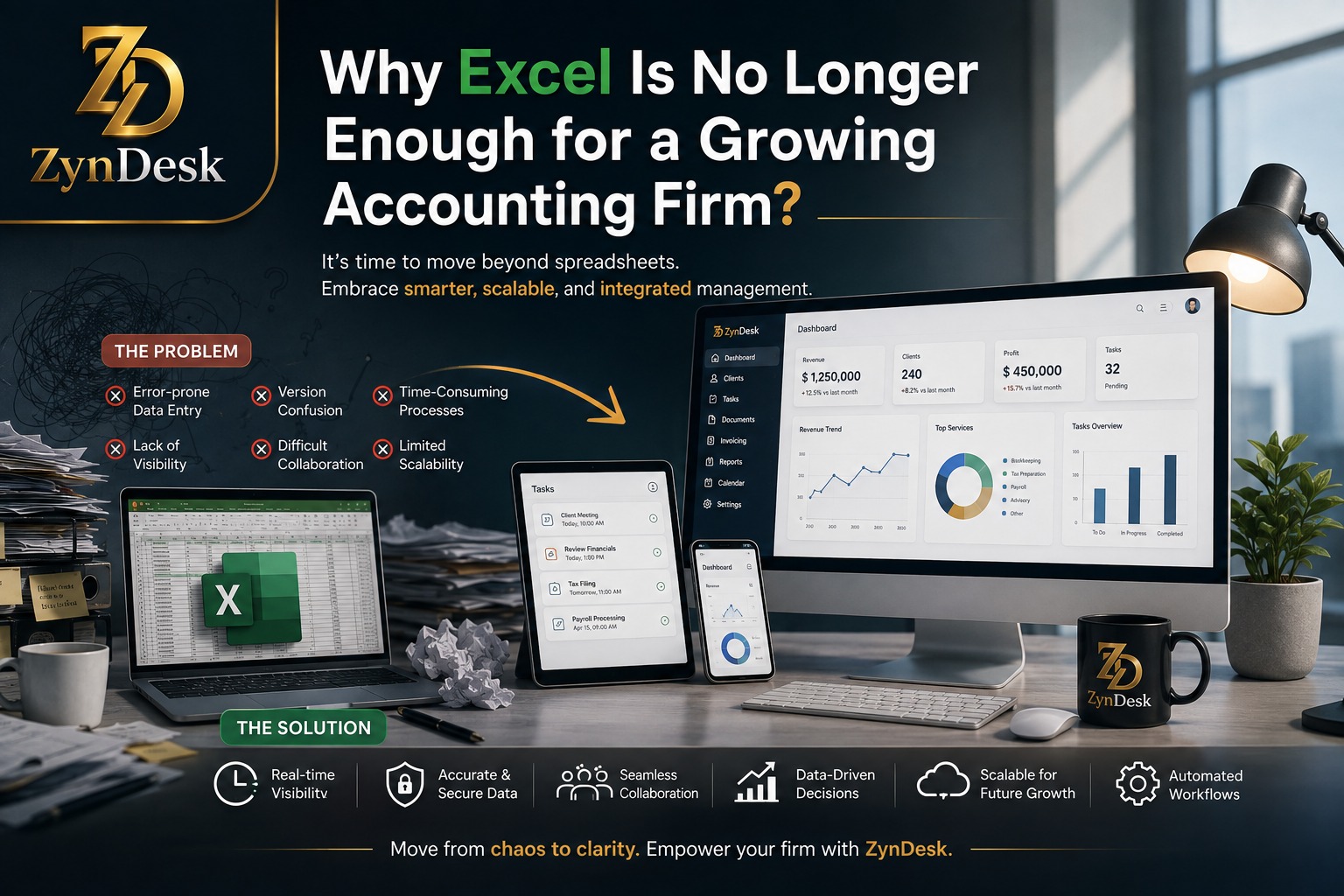
The goal is not to replace every tool an accountant uses.
The goal is to create a unified operational layer over the processes.
In this model, the platform can become the place around which processes revolve, such as:
Client → Service → Workflow → Task → Document → Billing → Collection → Reporting
Instead of:
Excel → Email → Folder → Word → Excel → WhatsApp → Invoice → Excel
This difference is fundamental.
If the platform is designed to manage clients, services, workflows, tasks, documents, contracts, billing, collections, dashboards, and automation, the value is not in having every Feature individually.
The value is in connecting them within a single process.
This is where ZynDesk can be part of the transition from:
Spreadsheet-driven firm
to:
System-driven firm
without claiming that Excel needs to disappear.
15. What Should an Accounting Firm Manager Measure After the Transition?
Digital transformation should not be measured by the number of screens or the number of features.
It should be measured by operational results.
Key Performance Indicators (KPIs)
KPI
What It Measures
On-time task completion rate
Deadline adherence
Average service completion time
Execution speed
Overdue work
Bottleneck volume
Workload per employee
Resource allocation
Client cycle time
Process efficiency
Rework rate
Execution quality
Percentage of completed documents
Client readiness
Average collection days
Cash Collection efficiency
Revenue per employee
Economic productivity
Service profitability
Quality of the service portfolio
Client retention rate
Relationship health
Percentage of automated processes
Operational maturity
The important point here is that the system does not give you “more data.”
It gives management a better ability to make decisions.
16. Mistakes to Avoid When Transitioning
Mistake 1: Eliminating Excel Completely
There is no reason to do that.
Keep it where it excels.
Mistake 2: Buying a Platform Because It Has Too Many Features
A platform may have dozens of features, but if they do not fit your firm’s Workflow, they will not solve the problem.
Mistake 3: Automating a Bad Process
If a process is bad manually, automating it may simply make it bad faster.
Standardize first. Automate second.
Mistake 4: Ignoring Employees
Any new system must be usable on a daily basis.
A system the team rejects will not succeed, no matter how powerful it is.
Mistake 5: Trying to Transfer the Chaos as It Is
Do not move 40 Excel files into the system and then call it Digital Transformation.
Before migration:
Clean the data.
Remove duplicates.
Standardize terminology.
Identify active clients.
Define services.
Define responsibilities.
Define processes.
17. Does Every Accounting Firm Need to Leave Excel?
No.
If the firm is small, its processes are simple, the number of users is limited, and there are no clear problems with tracking, collaboration, reporting, or workload, Excel may be sufficient.
But when the firm begins managing a complex network of clients, employees, services, tasks, documents, invoices, and deadlines, relying on a Spreadsheet as the operating system becomes a decision that needs to be reassessed.
The Practical Rule
Use Excel when the problem is data analysis.
Use a management system when the problem is running the work.
And in many mature firms, you will need both.
18. What Happens If You Ignore the Problem?
Growth does not stop.
But the cost of growth may increase.
The firm may begin compensating for a weak system through:
More meetings
More messages
More manual follow-up
More files
More administrative employees
More manual reports
Greater dependence on specific individuals
And this is where the real risk emerges:
The firm grows in revenue, but does not grow in efficiency.
This is an important difference between:
Growth
and
Scalable Growth
19. The Future of Accounting Firms Is Not “Without Excel”
The most realistic direction is not to kill Excel.
It is to build an environment where Excel is used where it performs best.
Recent reports in the accounting industry point to increasing adoption of automation, AI, and higher-value advisory services, with technology being positioned as a means of increasing efficiency and improving service rather than simply replacing people.
Therefore, the future firm model may look like this:
System of Record
↓
Workflow
↓
Automation
↓
Human Review
↓
↓
AI Assistance
↓
Decision
In this model, Excel can remain present in analysis without being responsible for managing the entire firm.
Conclusion
Excel has not failed.
The firm has changed.
When the firm was small, an Excel file may have been sufficient.
When the firm began managing hundreds of clients, multiple teams, recurring services, documents, invoices, deadlines, tasks, and reports, the problem became different.
The question was no longer:
“How do I store the data?”
It became:
“How do I manage the work?”
This is where the value of Accounting Practice Management becomes clear.
The goal is not to replace Excel simply for the sake of using newer technology.
The goal is to build an operating environment that connects data, work, employees, clients, and processes—and makes them visible, measurable, and automatable.
For a firm thinking about growth, the most important signal may not be the number of clients it has today.
It may be this question:
Can your current system handle twice the workload without doubling the chaos?
If the answer is no, it may be time to view firm management as an integrated system rather than as a collection of Excel spreadsheets.
Is your accounting firm ready to move from spreadsheet management to process management?
An operational platform such as ZynDesk can be part of this transition by organizing processes around the client, work, tasks, and data instead of relying on separate files to track every part of the workflow.
Discover how you can build a more organized and measurable operating environment for your firm while retaining the tools that provide real value instead of replacing them simply for the sake of replacement.