


The Best Way to Manage Accounting Firm Tasks and Distribute Work Across the Team
The Best Way to Manage Accounting Firm Tasks and Distribute Work Across the Team
If the owner of an accounting firm needs to ask employees every morning, “What are you working on now? What have you completed? And what is delayed?”, the problem is often not with the employees themselves, but with the way work is being managed.
An accounting firm that relies on email, Excel files, the manager’s personal memory, WhatsApp messages, and inconsistent task lists may succeed with a limited number of clients. But as the number of clients, recurring tasks, and deadlines increases, it becomes difficult to see the full picture: Who has available capacity? Who is overloaded? What work is blocked? And which tasks are waiting for documents from the client?
The issue becomes even more important as accounting firms face growing challenges in managing workload and staff capacity. In the 2026 AICPA survey, workload and staff capacity management appeared among the key issues for several segments of accounting firms.
The short answer: The best way to manage accounting firm tasks is to build a standardized workflow that starts by defining services and processes, then breaking each process into clear tasks, assigning each task an owner, deadline, and priority, and distributing work according to skills and capacity—while monitoring overdue and blocked tasks and automating recurring work.
This is where the shift begins from managing people to managing the work system.
Executive Summary
An effective accounting task management system can be built through nine steps:
Identify all services and recurring processes.
Convert each service into a clear Workflow.
Break the Workflow into small, measurable Tasks.
Assign an owner to each task—not just an owner for the client.
Define priorities, deadlines, and dependencies.
Distribute work according to skill + priority + capacity.
Establish a clear status for every task: Ready, In Progress, Blocked, Waiting for Review, or Completed.
Measure performance using clear KPIs.
Automate recurring work after standardizing it.
This methodology aligns with the direction of modern Practice Management solutions, where firm-wide visibility, resource allocation, checklists, and standardized workflows have become essential elements of accounting work management.
Why Does Accounting Firm Task Management Become Difficult as the Firm Grows?
The reason is that workload does not increase simply with the number of clients.
Each client may generate:
Monthly bookkeeping work.
Payroll.
Tax returns.
Reconciliations.
Reports.
Document requests.
Reviews.
Engagement contracts or letters.
Invoices and payments.
Urgent inquiries.
Exceptional, non-recurring work.
As a result, the firm manager is not simply managing a “number of clients”; they are managing a network of work, dependencies, deadlines, and resources.
The Real Problem Is Not the Number of Tasks
One employee may have 20 tasks, while another has only 10, yet the second employee may be under greater pressure.
Why?
Because the number of tasks alone does not measure:
Task complexity.
Expected time required.
Proximity of the deadline.
Dependency on another task.
Employee experience.
Urgent work.
Tasks waiting for the client.
Tasks requiring manager or partner review.
Therefore, effective work allocation does not mean:
“Assign 10 clients to every accountant.”
It means:
Distribute work according to the actual capacity to complete it at the required quality and by the required deadline.
How Should Accounting Firm Tasks Be Distributed Correctly?
The best practical model is to run every task through six questions:
Question
What does it define?
What needs to be done?
Task Definition
Why?
Objective or Service
Who is responsible?
Ownership
When?
Deadline
What does it require?
Dependencies / Documents
What defines completion?
Definition of Done
If you cannot answer these questions, the task is probably not defined clearly enough.
1. Start With Services, Not People
A common mistake is for the manager to start by thinking:
Ahmed takes these clients, and Mohamed takes those clients.
It is better to start with the type of work.
For example:
Monthly Bookkeeping Service
The Workflow could be:
Request documents.
Receive documents.
Verify completeness.
Record transactions.
Perform bank reconciliations.
Review accounts.
Prepare reports.
Conduct final review.
Send the report to the client.
Close the cycle.
Only after that should you determine who will execute each step.
This concept exists in several modern accounting workflow solutions. For example, Jetpack Workflow uses Templates to represent standard processes and then converts them into Projects containing Tasks for clients.
2. Convert Every Service Into a Standardized Workflow
If your firm provides the same service to dozens of clients, employees should not have to start from scratch every time.
Create a Workflow Template.
For example:
Tax Return Template
Stage 1 — Preparation
Open the client file.
Verify the period information.
Request documents.
Stage 2 — Processing
Review documents.
Enter data.
Perform calculations.
Identify exceptions.
Stage 3 — Review
Accountant review.
Responsible person review.
Address comments.
Stage 4 — Delivery
Approve the final version.
Send it.
Archive the documents.
Close the task.
This turns the work into a repeatable process rather than knowledge that exists only in one employee’s head.
3. Don’t Just Assign the Client; Assign Every Task
There is a major difference between:
The person responsible for the client
and
The person responsible for each step of the work.
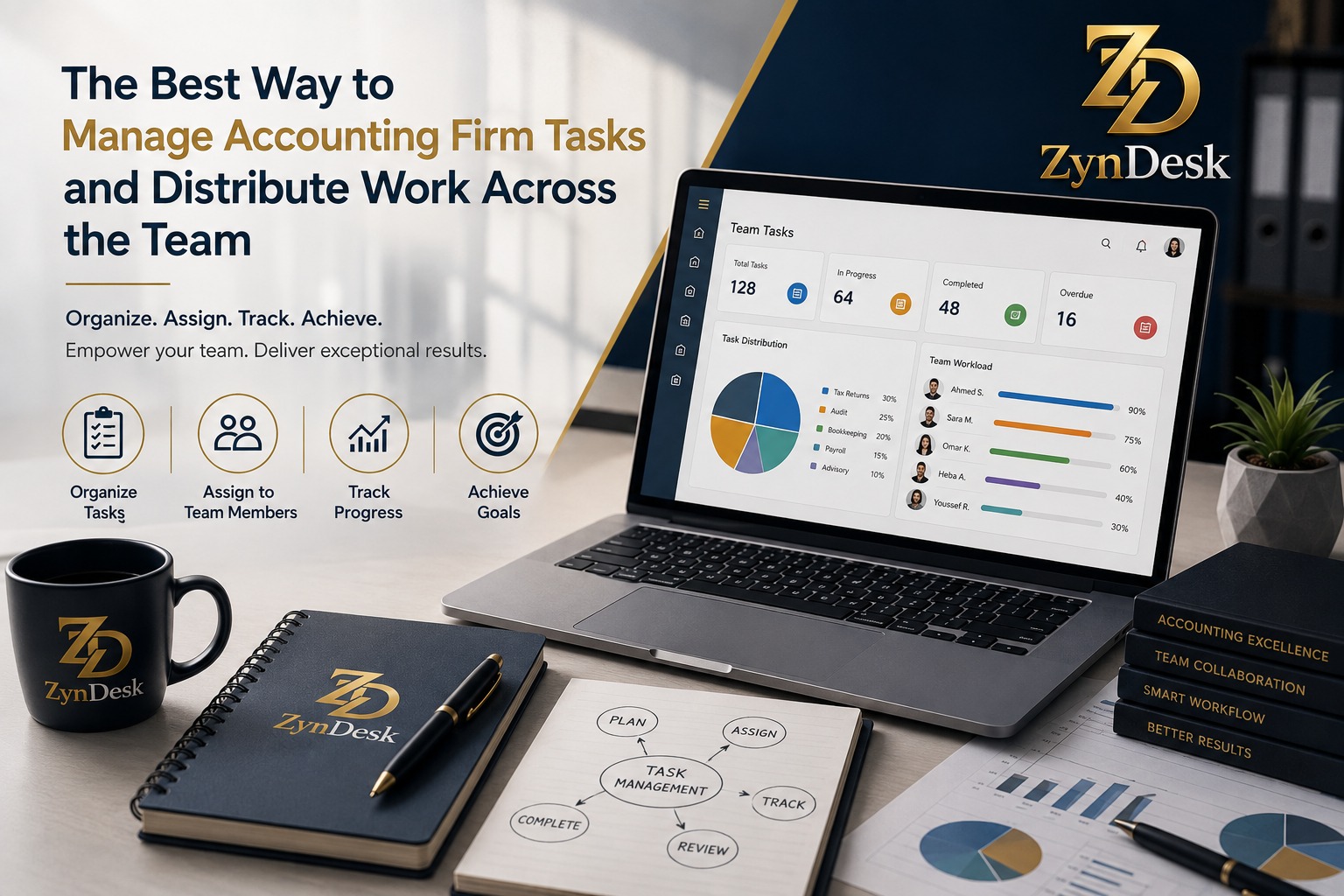
A senior accountant may be responsible for the client, while:
An assistant accountant performs the recording.
Another employee follows up on documents.
The reviewer reviews the results.
The manager approves the final output.
Therefore, every Task should have a clear owner.
Important rule:
No task should exist without an Owner.
If more than one person is working on it, define:
Primary Owner
Reviewer
Supporting Team
Instead of using a vague statement such as “the team is responsible for it.”
4. Distribute Work Based on Capacity, Not Number of Clients
This is one of the most important points that many firms overlook.
Suppose you have three accountants:
Employee
Current Workload
Available Capacity
Ahmed
High
Low
Mohamed
Medium
Medium
Sarah
Low
High
If a new client arrives, automatically assigning it to Ahmed because he is “responsible for this type of client” may be a poor decision.
Instead, consider:
Workload + Capacity + Skill + Deadline
This is also the direction modern Practice Management tools are moving toward. Some already provide visibility into capacity and resource planning rather than simply displaying a list of tasks.
5. Use a Simple Matrix to Distribute Work
Each task can be evaluated according to four factors:
Factor
Question
Skill
Who has the appropriate skills?
Capacity
Who has available time?
Priority
How important is the task?
Deadline
When must it be completed?
Then add a fifth important factor:
Dependency
Can the employee actually start the task?
If the task depends on a document that has not yet arrived from the client, there is no point placing it in the “Work in Progress” list.
6. Separate Ready Work From Blocked Work
This is a very important operational point.
Not every incomplete task is “overdue.”
There is a difference between:
In Progress
The employee is actively working on it.
Blocked
The employee cannot continue because of an obstacle.
Waiting for Client
The task is waiting for the client.
Waiting for Review
The task has been completed by the preparer and is waiting for the reviewer.
Overdue
The deadline has passed.
If you group all these statuses under “Pending,” you lose the ability to identify the real problem.
This issue also appears in recent experiences shared by accountants, with some professionals describing the difficulty of determining whether work is ready or still waiting for client documents, and suggesting a separation between document receipt and work readiness.
7. Create Dependencies Between Tasks
Some tasks cannot begin until another task has been completed.
For example:
Document Receipt → Document Review → Recording → Reconciliation → Review → Delivery
If the documents have not arrived, the “Prepare Report” task should not appear as if it is ready to be worked on.
This is the concept of:
Task Dependency
It is particularly important in accounting work that contains sequential stages.
8. Use Priorities Carefully
Not everything is “urgent.”
You can use four simple priority levels:
P1 — Critical
A task whose delay could cause a major problem or result in a missed important deadline.
P2 — High
An important task that is approaching its due date.
P3 — Normal
Planned work.
P4 — Low
Work that can be postponed without a direct impact.
However, not every client request should become P1.
If everything becomes urgent, priorities lose their meaning.
9. Build Review Into the Workflow
In accounting work, completing a task does not necessarily mean the work is ready for delivery.
The process may require:
Preparer → Reviewer → Approver
This is important for reducing reliance on the idea that the same employee should perform, review, and close the work without a clear separation of responsibilities.
Specialized workflow solutions also focus on checklists, sign-offs, and process history to help reduce the risk of omissions and improve consistency.
10. Give Every Task a Definition of Done
Instead of:
Prepare the client report.
Write:
Prepare the period report, reconcile the key balances, review variances, attach supporting documents, and then move the task to the “Waiting for Review” status.
The difference is significant.
The first is a general description.
The second is a measurable task.
How Do You Manage Recurring Work?
Recurring work is the best place to start automation.
Examples include:
Monthly bookkeeping.
Payroll.
Recurring tax returns.
Monthly reports.
Document requests.
Client follow-ups.
Recurring invoices.
Instead of creating these tasks manually every month, use a Recurring Workflow.
Specialized tools in the field demonstrate that Templates and recurring work are an important foundation for managing these types of services. Jetpack Workflow, for example, allows users to create Templates and turn them into recurring work according to a defined schedule.
When Should You Use Automation?
Do not start with automation before standardizing the process.
The preferred sequence is:
Manual → Standardized → Measured → Automated
In other words:
Execute the process.
Document it.
Identify the problems.
Standardize it.
Measure it.
Then automate the recurring parts.
Automating a chaotic process does not make it good; it often makes the chaos faster.
That is why solutions such as TaxDome focus on automatically triggering sequences of tasks when specific conditions or events occur, such as the start of a client process or the completion of a previous step.
What About Excel?
Excel is not inherently bad.
It can be suitable when:
The number of clients is limited.
The team is small.
Processes are simple.
There is no need for a complex Workflow.
The manager can easily review all work.
The problem begins when Excel becomes the place that must answer questions such as:
Who is responsible for the task?
Which tasks are overdue?
What is waiting for the client?
What work is coming next?
What is each employee’s capacity?
What work is recurring?
What is the task change history?
What requires review?
What is the workload for each client?
At this stage, the spreadsheet evolves from a supporting tool into a complete operational layer that requires ongoing management.
Recent discussions among accountants also show that some firms continue to use Excel after growing, while others are looking for more specialized systems because of the difficulty of managing recurring deadlines, handoffs, and client dependencies.
What Are the Most Important Performance Indicators for an Accounting Team?
Do not measure the team only by the number of completed tasks.
Instead, build a Dashboard containing metrics such as:
KPI
What does it measure?
On-Time Completion Rate
Percentage of work completed on time
Overdue Tasks
Number of overdue tasks
Average Completion Time
Average time required to complete work
Blocked Work
Volume of blocked work
Waiting for Client
Work waiting for the client
Review Queue
Work waiting for review
Workload by Employee
Workload for each employee
Capacity Utilization
Percentage of available capacity being utilized
Rework Rate
Percentage of work requiring rework
Recurring Completion
Consistency of recurring work completion
Do Not Turn KPIs Into a Punishment Tool
The purpose of the Dashboard is not to determine:
“Who is the worst employee?”
It is to determine:
Where is the system getting stuck?
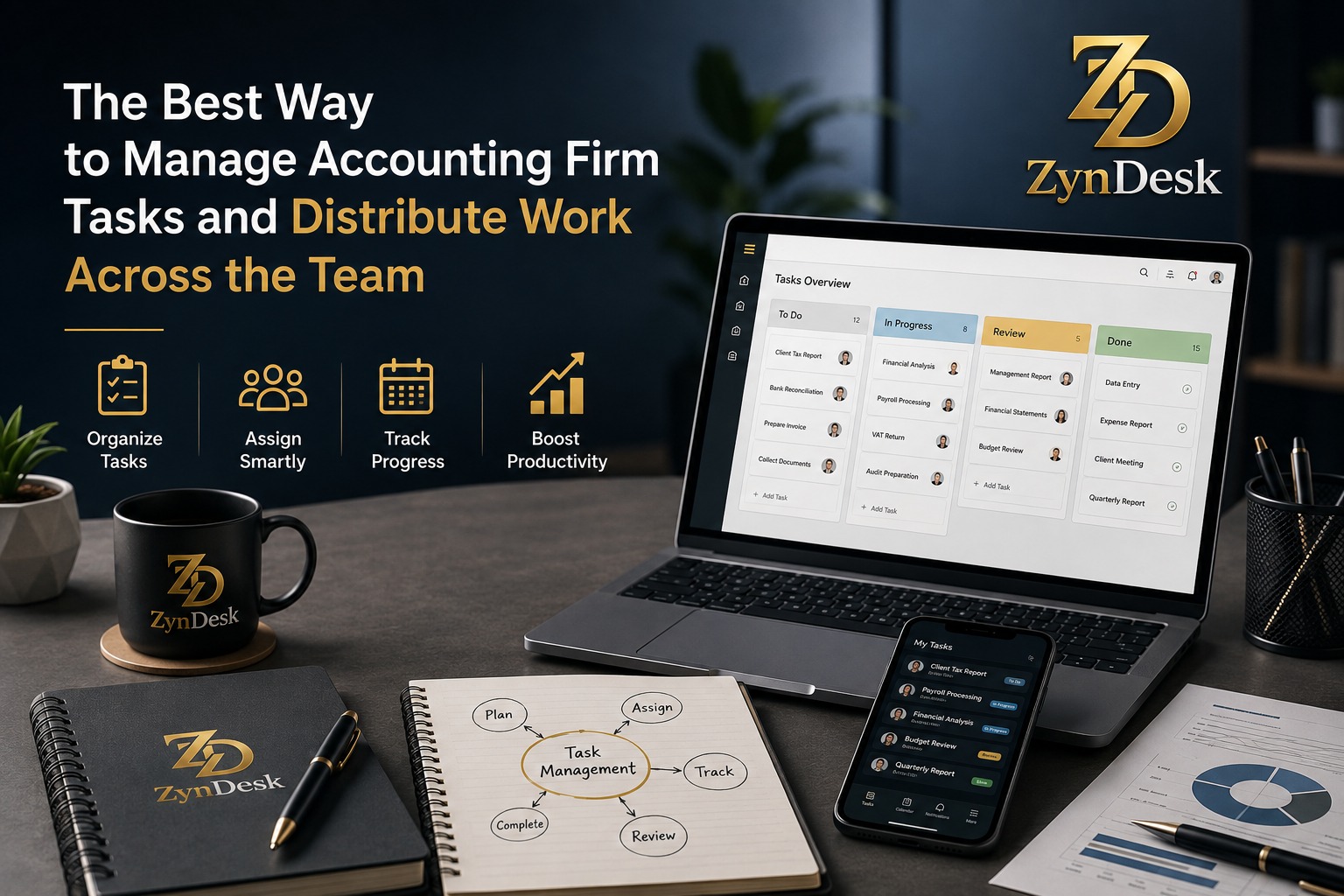
If one employee consistently has a large number of overdue tasks, the problem may be with work allocation.
If most tasks are getting stuck at the review stage, the problem may be Review Capacity.
If most work is blocked because of clients, the problem may be Client Intake.
A Practical Example of Work Distribution
Suppose an accounting firm has 100 clients.
Instead of simply distributing clients as follows:
Accountant A = 35 clients
Accountant B = 35 clients
Accountant C = 30 clients
A more precise distribution could be:
Factor
Accountant A
Accountant B
Accountant C
Number of Clients
35
35
30
Client Complexity
High
Medium
Low
Recurring Work
High
Medium
High
Urgent Tasks
High
Low
Medium
Remaining Capacity
Low
High
Medium
This makes it clear that the number of clients alone is not an appropriate basis for work allocation.
The Best Operating Model for an Accounting Firm
The entire system can be summarized in this model:
1. Intake
How did the work enter the firm?
2. Classification
What type of service is it?
3. Workflow
What steps are required?
4. Assignment
Who will execute each step?
5. Priority
What is the priority?
6. Deadline
When must it be completed?
7. Dependency
What needs to happen first?
8. Execution
Has the work started?
9. Review
Does it require review?
10. Delivery
Has the work been delivered?
11. Closure
Has the task actually been closed?
12. Measurement
What did we learn from this cycle?
This transforms the firm from a group of people working on clients into a standardized operating system for work.
Common Mistakes in Accounting Firm Task Management
1. Distributing Work Equally Only
Equal numbers of clients do not mean equal workloads.
2. Not Having a Clear Owner
A task that “everyone is responsible for” is often actually owned by no one.
3. Relying on Email as a Task List
Email is a communication inbox, not necessarily a Workflow management system.
4. Failing to Separate Blocked Tasks
Waiting for Client is not the same as In Progress.
5. Not Using Templates
If you create the same tasks manually every month, there is a clear opportunity for standardization and automation.
6. Not Having a Review Stage
Closing a task as soon as the preparer finishes may not be sufficient for work that requires review.
7. Measuring Only the Number of Tasks
One employee may complete a large number of small tasks while another handles fewer but highly complex tasks.
8. Automating Before Standardizing the Process
Do not automate chaos.
How Can a Platform Like ZynDesk Support This Model?
The core idea is not to use the platform merely as an “electronic task list.”
Instead, it should serve as an operational layer connecting:
Clients.
Services.
Workflows.
Tasks.
Documents.
Contracts.
Billing.
Collection.
Dashboards.
Automation.
Processes configured for AI integrations.
These are the areas of integration identified by the ZynDesk framework in the project requirements, without the need to invent additional unverified Features.
This allows the process to start, for example, with client service, then move to Workflow, Tasks, documents and review, delivery, billing, and collection, while maintaining the operational context within the same system.
The Most Important Principle
Do not make employees search for the work; make the system show them what needs to happen now.
When Does an Accounting Firm Need a Practice Management System?
You can use the following checklist.
If you answer “Yes” to most of the questions below, it may be time to move from scattered tools to a more organized system:
Do tasks get lost in email?
Do you rely on Excel to know the status of work?
Do you constantly ask employees for progress updates?
Are recurring tasks created manually?
Are some tasks delayed because responsibility is unclear?
Do you lack an accurate view of who has available capacity?
Is it difficult to identify work waiting for the client?
Does the way the same service is performed vary from one employee to another?
Do some processes depend on a single employee who knows all the details?
Is it difficult to generate an immediate report on the firm’s status?
If the answer is yes, the problem is no longer simply “task management.”
It has become a process management problem.
The Best Way to Get Started in 30 Days
Week One: Map the Processes
Choose only 3–5 recurring services.
Document for each service:
Steps.
Owner.
Reviewer.
Required documents.
Deadlines.
Blocking points.
Week Two: Build the Templates
Create a Workflow Template for each service.
Define:
Tasks.
Dependencies.
Owners.
Deadlines.
Review points.
Week Three: Run and Monitor
Start applying the Templates to a limited group of clients.
Monitor:
Delays.
Bottlenecks.
Rework.
Unclear tasks.
Week Four: Improve and Automate
Once you know where the problems are, automate:
Creation of recurring work.
Reminders.
Status transitions.
Notifications.
Recurring administrative steps.
This makes technology the result of process improvement—not a substitute for it.
Checklist: Is Your Accounting Firm Managing Work Correctly?
Workflow
Every service has a clear Workflow.
Every Workflow contains defined steps.
Recurring work uses Templates.
Dependencies are clear.
Team
Every Task has an Owner.
A Reviewer is assigned when needed.
Work allocation is based on skill and capacity.
The workload of each employee can be viewed.
Deadlines
Every task has a clear deadline.
Priorities are defined.
Overdue tasks can be identified.
Blocked tasks can be identified.
Client
Required documents are clearly defined.
Work waiting for the client is separated from active work.
There is a follow-up mechanism.
Management
A Dashboard is available.
Delays are measured.
Capacity is measured.
Bottlenecks are analyzed.
The Workflow is improved regularly.
If most of these elements are missing, the problem is probably not simply “employee productivity”; it is the design of the work system.
Conclusion
The best way to manage accounting firm tasks and distribute work across the team is not to create more lists or ask employees to send more updates.
The better approach is to build a clear work system:
Service → Workflow → Tasks → Owner → Priority → Deadline → Dependency → Review → Delivery → KPI
Then use automation to reduce recurring administrative work.
Most importantly, work allocation should be based on capacity, skill, priority, and deadline, rather than the number of clients alone.
A well-organized firm is not one without workload pressure. It is one where the manager can know, at any moment:
What needs to be done?
Who is responsible for it?
Do they have the capacity to complete it?
What is preventing them from completing it?
When will it be completed?
This is how accounting firm management evolves from continuous personal follow-up into measurable and scalable operational management.
If you are looking for a platform that can turn this model into an interconnected operating environment, the idea behind ZynDesk becomes more valuable when it is used to manage the complete workflow cycle rather than as a standalone task list.
Start with the process, then organize it, measure it, and automate it.